

Households to Person Accounts: The Data Model Shift Nobody Explains Well

A practical guide to the Salesforce NPSP and Nonprofit Cloud data model transition — how Household Accounts differ from Person Accounts, what breaks in migration, and how to plan the shift.
Introduction: It’s More Than Changing an Account Type
If your nonprofit has used Salesforce Nonprofit Success Pack (NPSP) for years, the Household Account model probably feels familiar. You create a Contact, associate them with a Household, add family members, track relationships and donations, and manage engagement.
As organisations evaluate Salesforce’s newer nonprofit platform, one change deserves much more attention: the shift from NPSP Household Accounts and Contacts to Person Accounts and a relationship-based data model. It affects integrations, attribution, reports, automations, duplicate management and migration. The objective is not simply to move records; it is to preserve what those records mean.
1. How the NPSP Household Model Works
In NPSP, a Household Account groups individual Contact records. For example, the Wilson Household Account might contain Contacts for David, Sarah and Emma Wilson. David donates, Sarah attends an event and Emma participates in a program. Each has an individual history, while the household provides a shared fundraising context.
NPSP supports household naming, greetings, address management, relationships and affiliations. The key distinction: the Contact represents an individual; the Household Account provides the grouping structure.
2. What Changes with Person Accounts?
A Person Account represents an individual using a unified Account record with selected Account and Contact fields. Salesforce still creates an associated Contact behind the scenes. A donor, volunteer or participant can therefore be represented primarily as a Person Account.
Households do not disappear. In the newer nonprofit model, a household can be represented by a Business Account identified through a Party Relationship Group. Individual Person Accounts connect to it through Account Contact Relationship records. Person-to-person connections can use Contact-Contact Relationship records.
For example, David Wilson and Sarah Wilson each have Person Accounts; the Wilson Household is a Business Account, and relationship records connect them. Household membership is now expressed explicitly through relationships rather than only through the default NPSP Contact-to-Household structure.
3. NPSP Household Accounts vs Person Accounts
| Area | NPSP model | Person Account-based model |
|---|---|---|
| Individual | Contact | Person Account |
| Household | Household Account | Business Account identified as household |
| Membership | Contact associated with Household Account | Account Contact Relationship |
| Person-to-person | NPSP Relationship | Contact-Contact Relationship |
| Household identification | Household Account model | Party Relationship Group |
| Organisation relationship | NPSP Affiliation | Account Contact Relationship or other target relationship |
The core change is how relationships are represented. An individual can exist independently and participate in multiple relevant relationship contexts. Exact object usage depends on the Salesforce products and features implemented.
4. Practical Example: A Donor Family
Imagine the Wilson family has two adult donors, three gifts, one recurring donation, a joint appeal, event participation and volunteering history. In NPSP, these activities may be connected to Contacts and a Household Account, with additional NPSP relationships and fundraising records.
In a Person Account-based target model, David and Sarah become individual Person Accounts, the Wilson Household is represented separately, and relationship records establish household membership. Historical giving and engagement must be mapped to the correct individuals and household context.
If David made an individual gift, that attribution must remain intact. If a joint appeal relied on household-level context, that meaning should be retained too. A migration that moves the right number of records but loses attribution is not successful.
5. What Happens to Existing Salesforce Customisations?
Integrations and APIs
Donation platforms, marketing tools, event systems and web forms may expect Contact IDs. A Person Account also has an underlying Contact, but that does not guarantee existing mappings work unchanged. Test creation, updates, duplicate matching, external IDs and household logic.
Reports and dashboards
Reports grouped by Household Account, Contact or NPSP-specific fields may need new report types, relationship paths and filters. Validate donor counts, household totals, retention and recurring giving against trusted source reports.
Flows and Apex
Automations that create Households when Contacts are created, assign donor tasks or maintain household information need review. Audit record-type assumptions, triggers, validation rules, scheduled jobs and object references.
Duplicate management
One person may be a donor, volunteer, participant and board member. Matching rules must distinguish multiple legitimate roles from duplicate identities. Shared family email addresses are not always reliable unique keys.
Fundraising attribution
Review individual gifts, household giving, soft credits, recurring donations, payments, allocations, campaigns and activity history. Confirm each record retains the intended business meaning.
External IDs
Maintain a cross-reference from legacy Account and Contact IDs to new Person Account and underlying Contact IDs where appropriate. Downstream systems must use the correct identifier for their integration pattern.
6. Why Migration Is Not a Simple Record-Type Conversion
Salesforce does not support using Person Accounts with NPSP. Enabling Person Accounts in an existing NPSP org is not a routine migration step, and Person Accounts cannot simply be disabled after activation. The transition therefore requires an architectural plan, usually including a carefully designed target environment and migration process.
Step 1: Audit the current model
Inventory Accounts, Contacts, Households, relationships, custom objects, donation history, duplicate records, integrations, automation, reports and external IDs. Document how records relate, not just how many exist.
Step 2: Design the target architecture
Map individual Contacts to Person Accounts, Households to the appropriate Business Account and relationship structure, and NPSP Relationships and Affiliations to the target relationship model. Fundraising records require product-specific mapping rather than assumed one-to-one conversions.
Step 3: Establish data quality rules
Resolve duplicate people, incorrect household membership, missing relationships, inconsistent identifiers and attribution issues before migration.
Step 4: Rehearse migration
Test Person Account creation, household membership, individual relationships, donation associations, recurring giving, campaigns, activities and integrations in a suitable nonproduction environment. Repeat until reconciliation passes.
Step 5: Rebuild critical processes
Rework business-critical automations and reports for the target model. Do not automatically reproduce legacy workarounds when a simpler target design exists.
Step 6: Reconcile and validate
Compare constituent and household counts, donations and financial totals, recurring gifts, relationships, campaigns and identifiers. Sample real donor journeys and obtain operational sign-off before go-live.
7. Should Every Nonprofit Move to Person Accounts?
Not necessarily. The appropriate architecture depends on whether the organisation primarily manages individuals, organisations, or both; how complex its household and stakeholder relationships are; and how much existing NPSP-specific functionality it relies on.
Ask whether constituents need independent identities across multiple roles, how relationships should be represented, which integrations depend on Contacts, and whether the team can support changes to reporting and automation. Choose the model because it serves operations, not simply because it is newer.
8. Households Are Not Gone — Winter ’27 Primary Household Sync
Salesforce Winter 27 Release (from Oct 2026) introduces Primary Household Synchronisation, allowing a configured custom Account field to stay aligned with the Primary Household Account lookup.
Why does this matter?
For nonprofits using Person Accounts, individuals may belong to multiple households, but one can be designated as their primary household.
This enhancement can help:
- Keep household information consistent across records.
- Simplify reporting and downstream integrations.
- Reduce custom synchronisation logic.
What administrators should check
Review existing household-related custom fields, Flows and integrations to identify where this capability could replace custom logic.
Importantly, this does not replace household membership or relationship management. Those still need to be configured correctly.
Source: Primary Household Synchronisation – Salesforce Winter ’27 (Release 264)
Final Thoughts: Get the Data Model Right Before Moving the Data
Moving from NPSP Household Accounts to Person Accounts changes how people, households and their relationships are represented. It is an opportunity to simplify inherited complexity, but only if the transition preserves the history, relationships and logic that make constituent data valuable.
At Zenyus, we believe a successful Salesforce transition starts with understanding your data, not simply choosing a new platform. If your organisation is evaluating a move from NPSP, begin with a data model assessment before migrating — or explore how our AFNP Migration Agent sequences the load correctly.
About the author
Gourav Sood is a Salesforce Certified Technical Architect (CTA) and founder of Zenyus AI — a Salesforce implementation partner specialising in the nonprofit sector. Gourav has led Salesforce enterprise implementations and delivered complex NPSP-to-AFNP migrations across organisations of all sizes.
Technical References
- Salesforce Trailhead — Stakeholder Management in Nonprofit Cloud
- Salesforce Help — NPSP Account Models
- Salesforce Help — Person Accounts
Gourav Sood
Salesforce Certified Technical Architect (CTA) with 19+ years of experience in enterprise technology. Gourav specializes in multi-cloud architecture and strategic consulting for the nonprofit and public sectors.
Explore Zenyus
Continue your Salesforce and nonprofit digital transformation journey with our tools, stories, and resources.
Ready to Transform Your Salesforce Strategy?
Let our Certified Technical Architect guide your digital transformation with proven expertise.
Related Articles
The Hidden Reason Most NPSP Migrations Break (And It's Not What You Think)
Sometimes it's not bad data, wrong field mappings, or a tight deadline. It's loading records in the wrong order. Here's what referential integrity means for your Agentforce Nonprofit migration — and how to get it right.
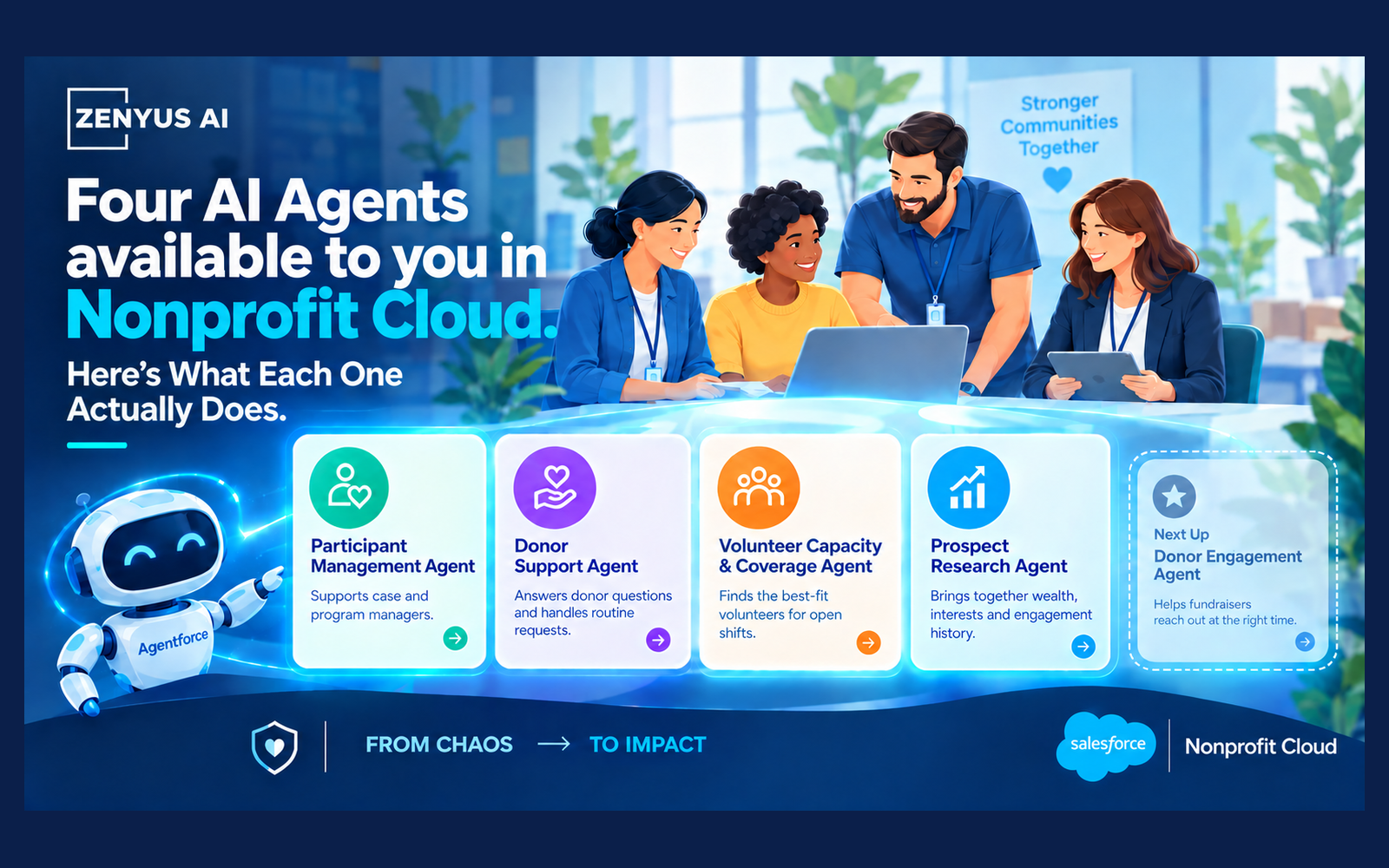
AI Agents Available in Nonprofit. Here's What Each One Actually Does.
Nonprofit Cloud ships with pre-built AI agents for case managers, fundraisers and volunteer coordinators. Here's what each one does, where it stands today, and the one thing that decides whether they help or hurt.